No matching answers found. Try a different search.
Getting Started
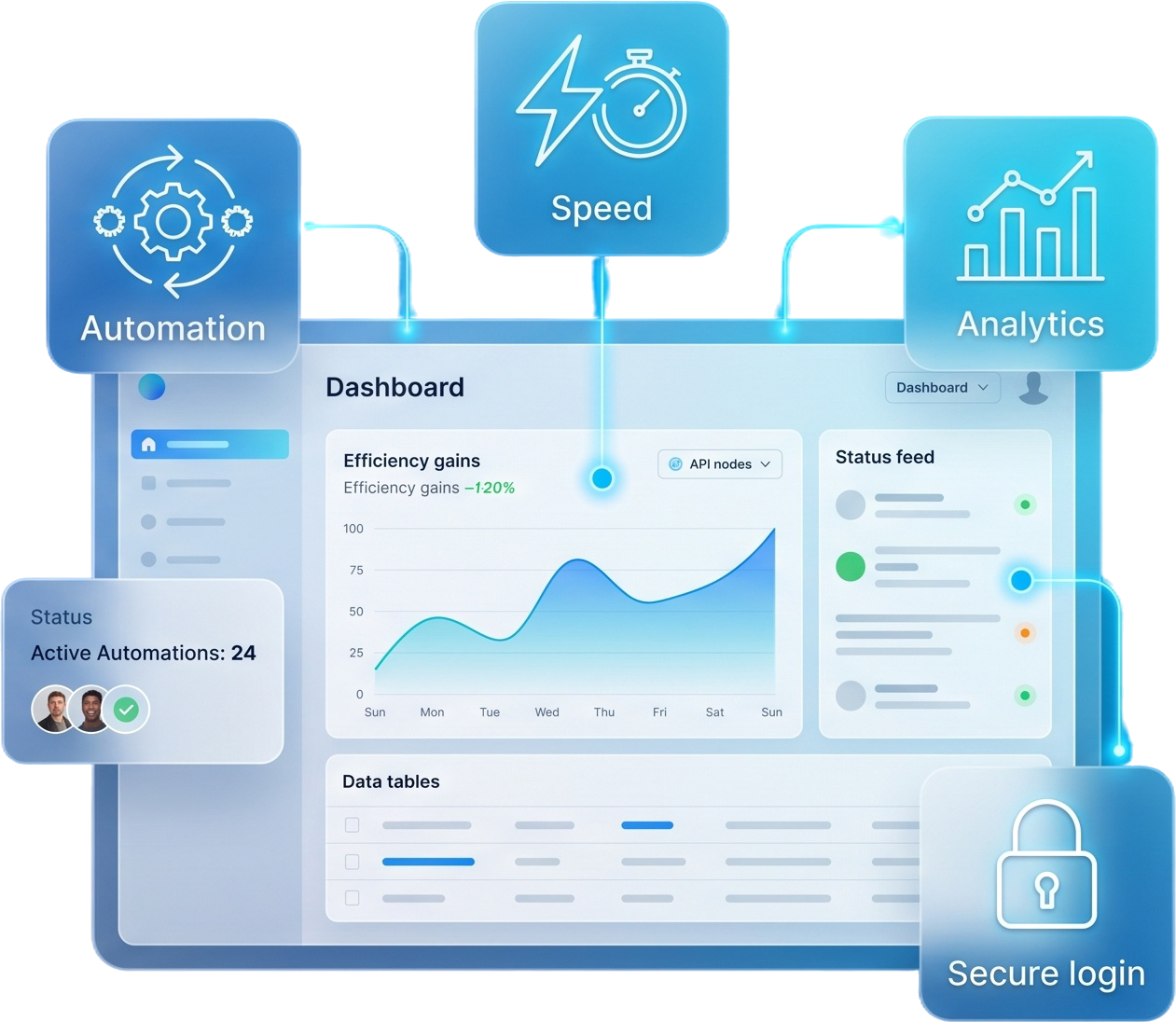
Servidge is an all-in-one automation platform for service businesses. It connects ordering, customer management, workflow automation, and reporting in one place, so you can run and scale your operations from a single dashboard.
Create an account, choose a plan, and follow the guided setup. You can add your services, invite your team, and start processing orders within minutes — no complex configuration required.
No. Servidge is designed to be simple for non-technical users. The interface is intuitive, and our documentation and support team are available whenever you need help.
Features
Every plan includes core tools like service ecommerce, customer management, and reporting. Higher plans add team management, workflow automation, integrations, and advanced analytics. See the pricing page for a full comparison.
Yes. Servidge supports integrations such as Telegram and supplier APIs, with more connections added regularly. Higher plans unlock API access for building your own custom integrations.
Absolutely. Servidge uses secure authentication, two-factor login with Google Authenticator, and role-based permissions to keep your business and customer data protected.
Billing & Plans
We accept major credit and debit cards, and additional regional payment options may be available depending on your location.
Yes. You can upgrade, downgrade, or cancel your plan at any time from your account settings. Changes take effect from your next billing cycle.
If something isn't right, reach out to our support team. Refund eligibility depends on your plan and billing terms, and we'll always work with you to find a fair solution.
Technical Support
Every plan includes support, with higher plans receiving priority assistance. You can reach us through your account dashboard and our support channels.
No. Servidge is fully cloud-based and runs in your browser, so there's nothing to install. Future mobile apps will offer dedicated experiences as well.
Your data remains available during your billing period. After cancellation you can request an export, and your information is handled according to our data retention policy.
Account & Settings
Use the "Forgot password" link on the login page to receive a secure reset link by email. You can also update your password anytime from your account settings.
Yes. Depending on your plan, you can invite multiple team members and assign role-based permissions to control what each user can access.
Still HaveQuestions?
Our support team is here to help you with any questions.